desktop trojan

Infected operating system
macOS sierra v.10
Infected device issues
pop-ups: apple security centre ... deny/allow; apple-security warning; contact apple support 1-844-563-1543; others in background

deekay

New Member
Thread author
Oct 3, 2022
1
0
1
how can I ditch desktop trojan shark-app-3lhr4.ondigitalocean(dot)app

Hello, I happened to open a new tab in Safari, and that prompted me to shift one tab to the left and simply close the shark tab. The trojan windows vanished! Am I done?
 
Last edited by a moderator:
You can remove websites that have been given permissions to show Notifications and Pop-ups. Removing all sites will prevent any Notifications and Pop-ups showing up. If the problem persists, it may be a case of Mac malware/adware.


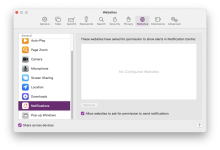
Open Apple Safari > Preferences (Command + , ) > Websites > Notifications
  • Remove all sites with Notification permissions
  • Uncheck 'Allow websites to ask...' if you no longer want any future notification requests.
Screenshot 2022-10-04 at 13.29.37.png
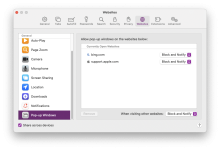
Safari > Preferences (Command + , ) > Websites > Pop-up Windows
  • Removal all sites
  • Change 'When visiting other website' to Block (or Block and Notify)

Screenshot 2022-10-04 at 13.29.27.png

Prevent unwanted Advertising and Unsafe Sites with an Ad-Blocker

Install AdGuard for Safari (Free)


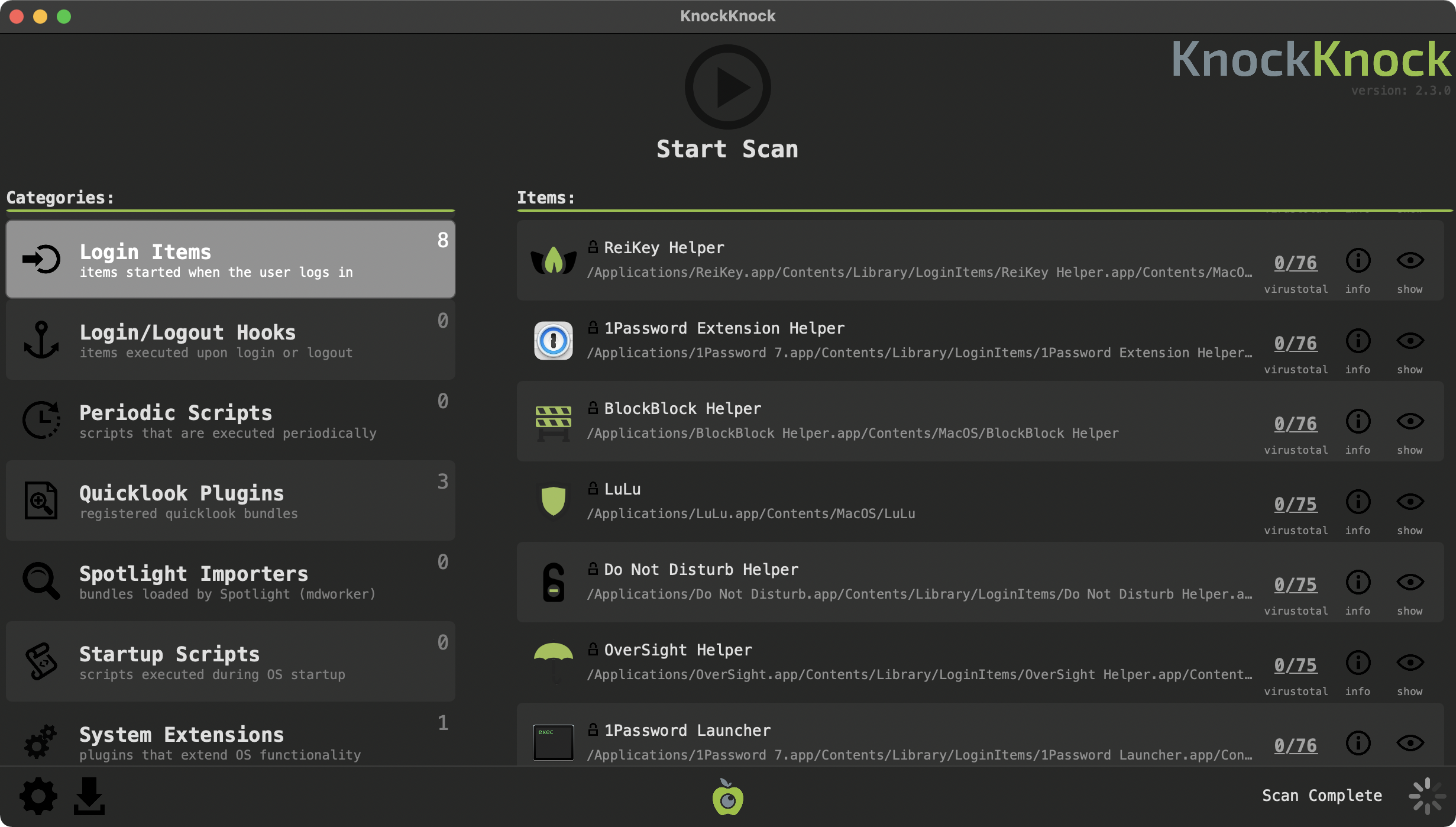
Scan the system for unsafe apps

Download and run KnockKnock (documentation on-site)
  • No installation, runs on the spot
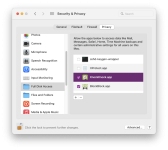
  • Full Disk Access is required
Screenshot 2022-10-04 at 13.39.19.png
 

You may also like...